
Create a Queue
A queue is a named waiting list within your location. Customers join a specific queue — not just “the location” — so you can run separate queues for different service types side by side.
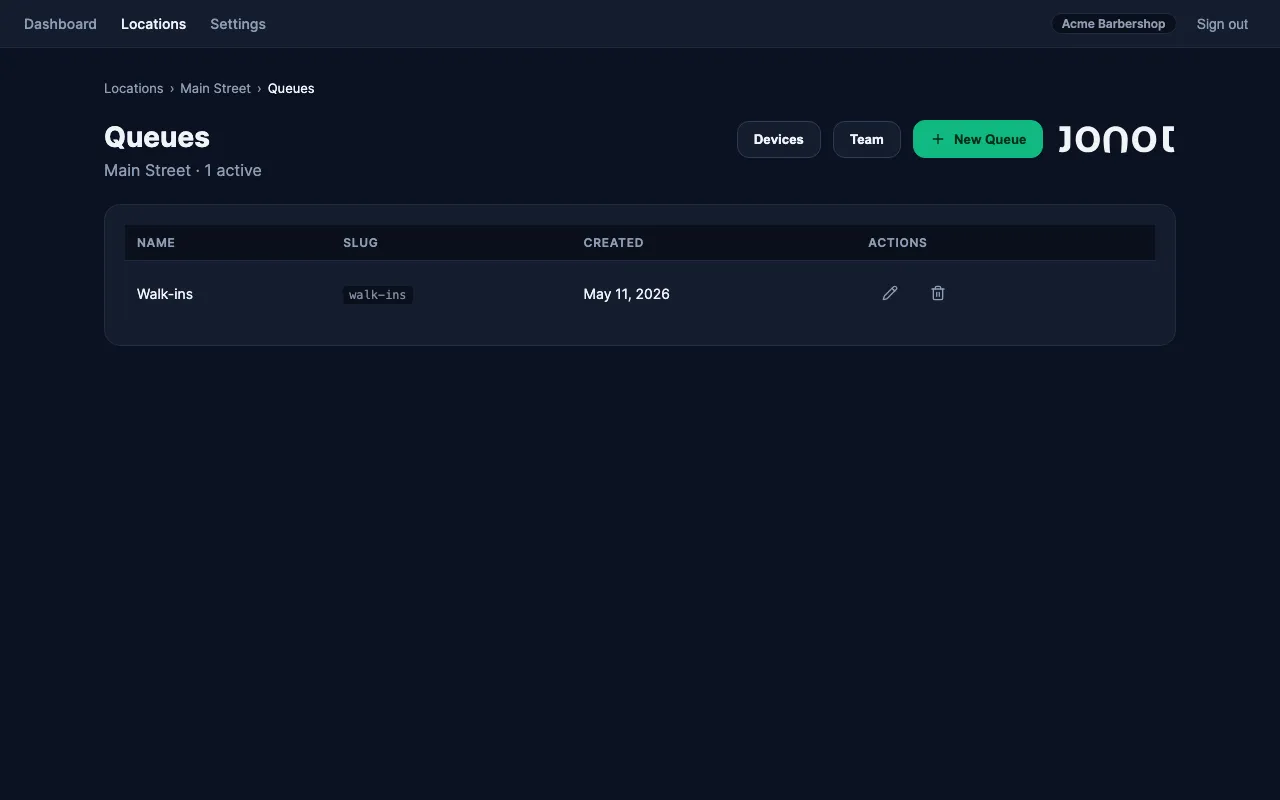
Create a queue
Section titled “Create a queue”- Open your location in admin.
- Go to the Queues tab.
- Click New Queue.
- Give the queue a name (e.g. “Walk-ins”, “Appointments”, “Returns”). The name is shown to customers when they join and on the display screen.
- A URL slug is generated automatically from the name. The slug becomes part of the customer join URL.
- Click Save.
Multiple queues per location
Section titled “Multiple queues per location”A location can have any number of queues. For example, a clinic might run “General Consultation” and “Pharmacy Pick-up” queues in parallel. Each queue has its own:
- Customer join URL (
https://customer.jonot.io/{org}/{location}/{queue}) - Independent waiting list
- Desk assignment (each desk is paired to a specific queue)
After creating a queue
Section titled “After creating a queue”Your queue is set up but has no customers yet. The next steps are to pair the physical devices — starting with the kiosk that customers will use to join.